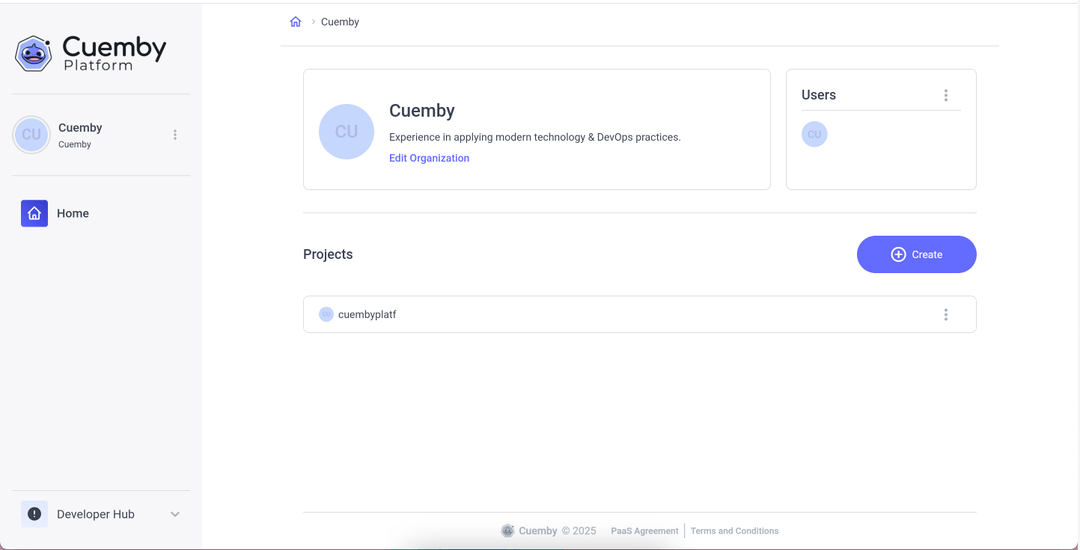
Create a Project
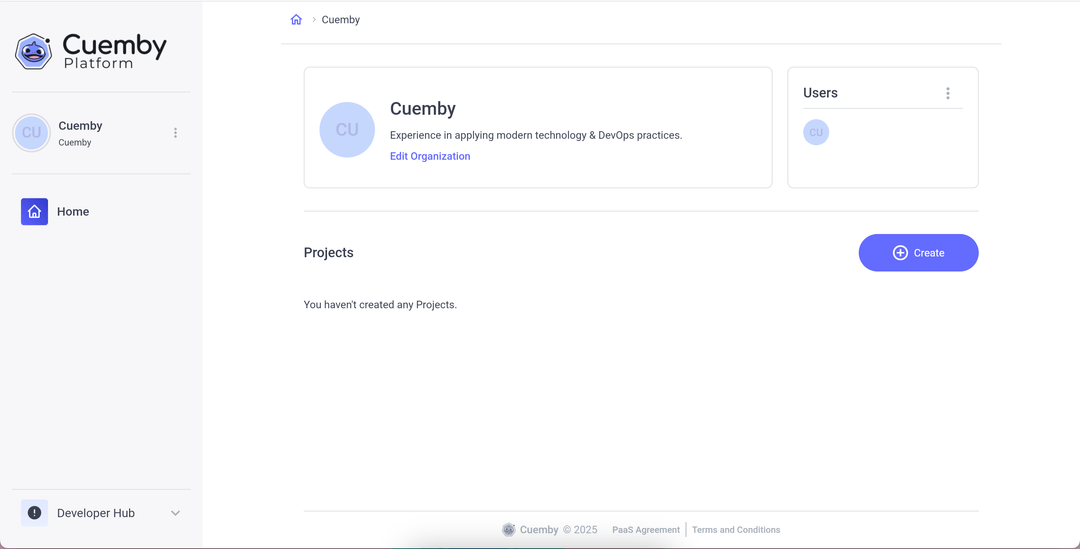
1. Select the organization where you would like to create the project and click on “Create”.
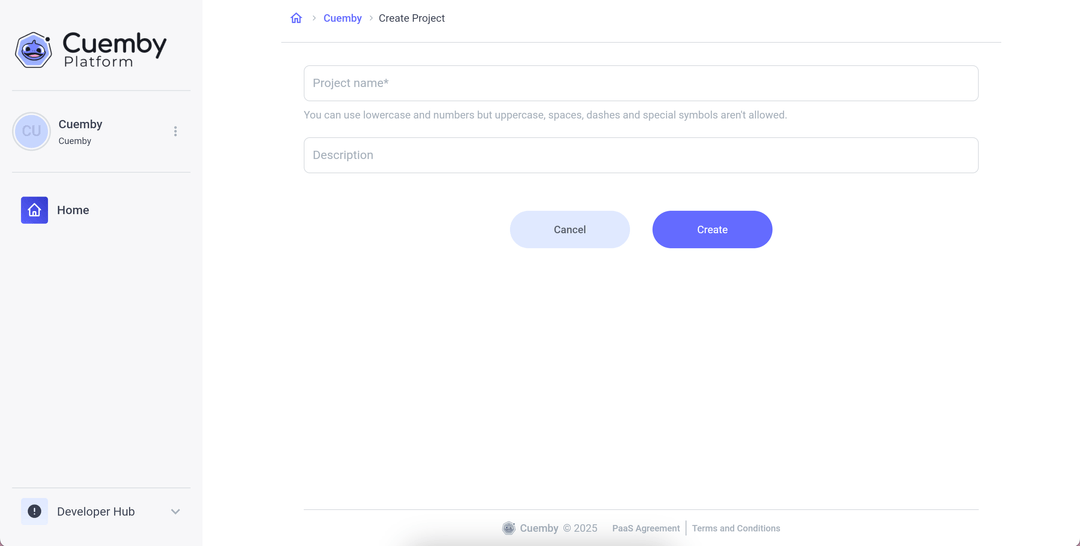
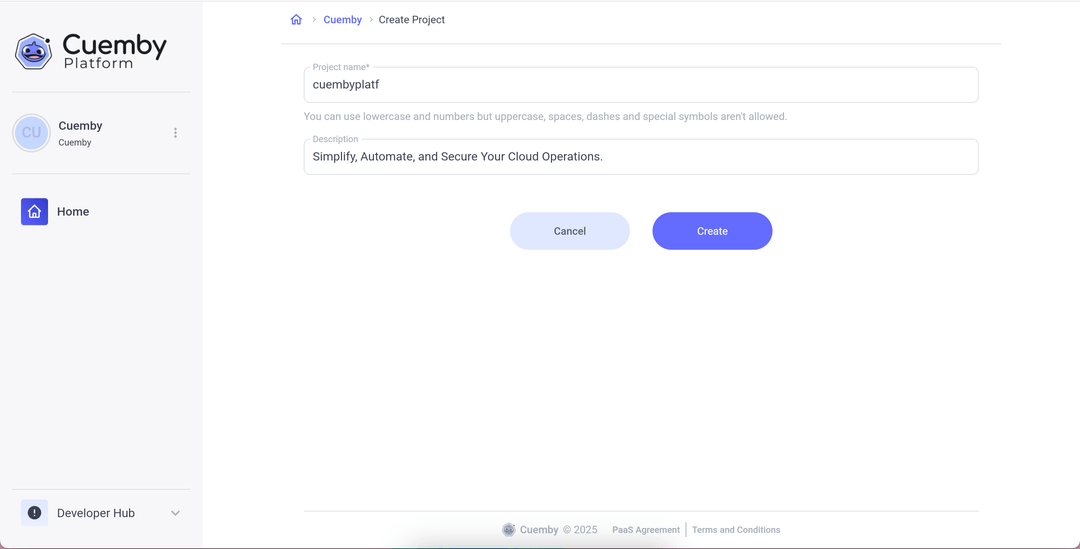
2. Add an name and describe the Project
Fill in the name and description fields of the Project.
info
You can create as many projects as you want within the same Organizations.
All done! We successfully created an organization and a project, and you can see them on the home page!