Create an Organization
To create an organization, you need to go to the home of the platform and click on “Create Organization.”
1. Click on "Create Organization"
Go to the homepage of the platform and click on the “Create Organization” card.
2. Add an name and describe the Organization
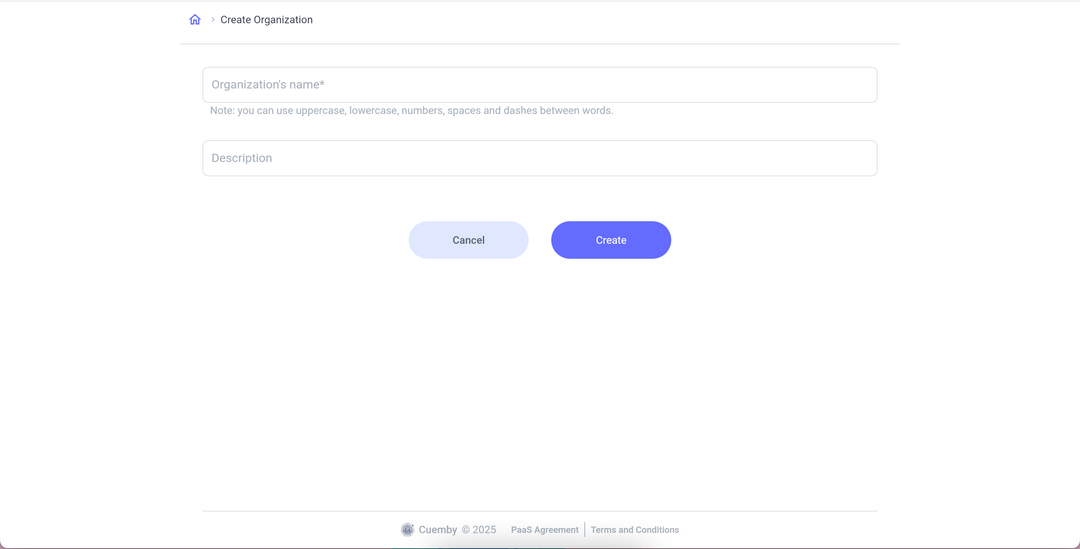
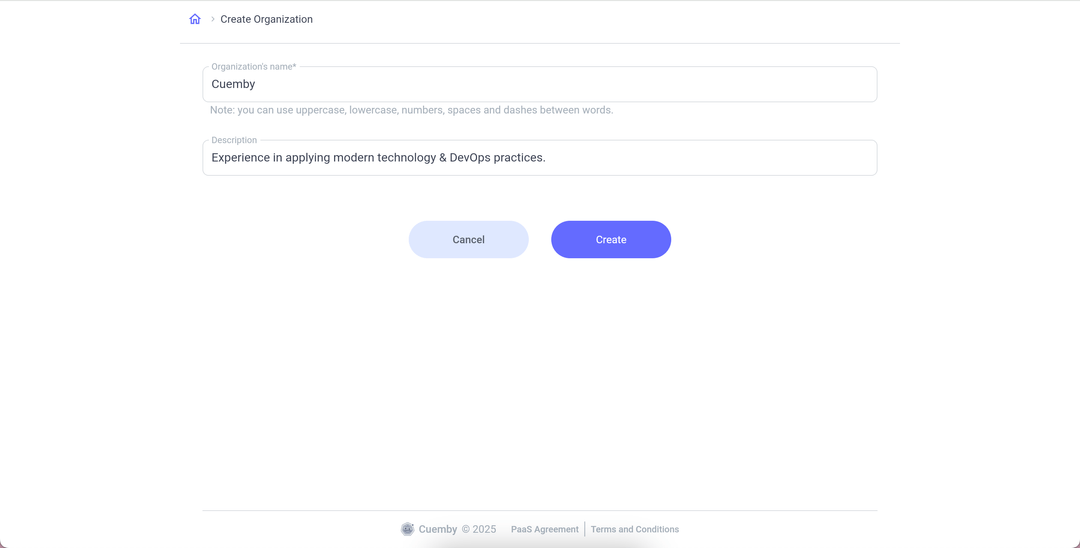
In the Create Organization page, complete the name and description of the organization that you want to create. Click on “Create.”
info
All done! Now you can see, on the home page, the Organization that you just created!